How to Choose a European Daily Planner That Respects Your Day
A practical guide to European day planning — Heute, Morgen, and Amie — based on whether you need a calm personal timeline, an AI planning cockpit, or one joyful surface for calendar, tasks, and mail.
The EuroMakers Editorial Team
Researching European software

The Journal · Made in Europe
A day planner fails quietly. It does not crash your deploy or blank your inbox. It just starts asking for more of you — another streak, another score, another sync account — until opening it feels like work before the work. The European answer is not a louder dashboard. It is a planner that respects the hours you already have.
In EuroMakers, day planning lives on the Productivity shelf beside notes, lists, and project rooms. That neighbourhood matters. A calm timeline is not a second brain. It is not a team board either. It is the seat where tasks, routines, and calendar events meet the hours you actually have.
Write the Tuesday you keep resisting
Most people do not wake up hunting for a new planning system. They wake up stuck in one of these sentences.
- I want tasks, routines, and events on one timeline — without streaks or guilt scores.
- I have too many calendars and task apps, and nothing plans the day for me.
- I want one calm surface for calendar, tasks, and mail — not five tabs.
- I do not need another project board. I need the next few hours to make sense.
Those are different products pretending to share a shelf. Treat them that way and the European shortlist gets much clearer.
Three planners, three mornings
Here is how the current directory listings differ when you look at them as places you might live inside a Tuesday — not as feature checklists.
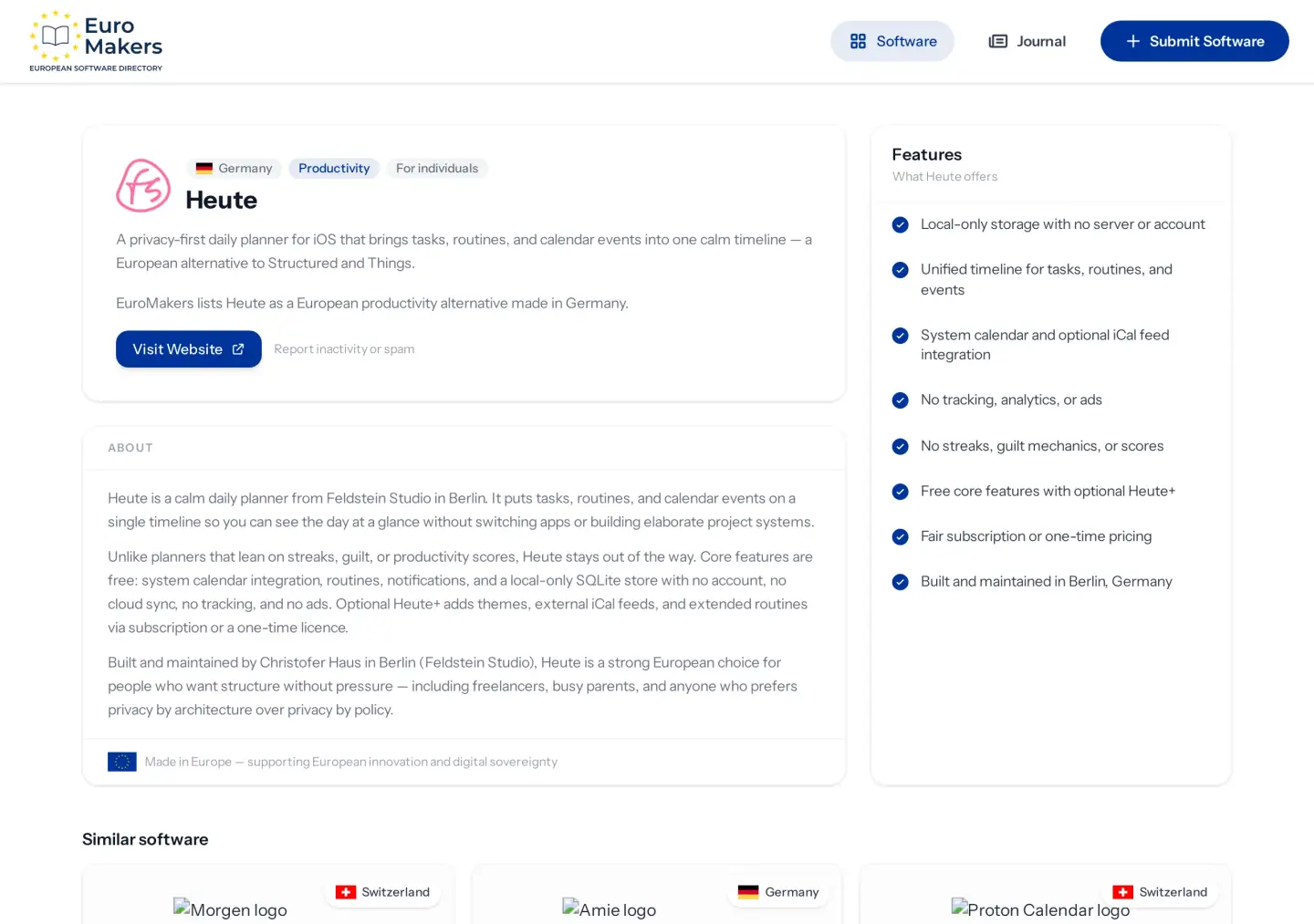
Heute — a calm Berlin timeline for the day you have
Heute, from Feldstein Studio in Berlin, puts tasks, routines, and calendar events on a single timeline. You see the day at a glance without building a project system first. Core features stay free: system calendar integration, routines, notifications, and a local-only SQLite store — no account, no cloud sync, no tracking, no ads.
Choose Heute when the pain is pressure, not missing integrations. It stays out of the way on purpose. Optional Heute+ adds themes, external iCal feeds, and extended routines through a fair subscription or a one-time licence. It is German craft for freelancers, busy parents, and anyone who wants structure without a scoreboard — and it is built for iOS, so be honest about the phone you actually carry.
Morgen — an AI planning cockpit across the calendars you already keep
Morgen, from Zurich, is a different bet. Calendar, tasks, and scheduling live in one planning layer with AI-assisted daily planning, drag-and-drop scheduling, and real-time sync across macOS, Windows, Linux, iOS, and Android. It sits on top of the calendars and task tools you already use — including familiar Google Calendar and Todoist-style workflows — rather than asking you to abandon them overnight.
Choose Morgen when the pain is fragmentation across devices and calendars, not a missing offline vault. It is Swiss planning craft for professionals and students who want the day arranged, not merely listed. We first met Morgen in our email and calendar guide; here it returns as the cockpit personality of the day-planning shelf.
Amie — one joyful surface for calendar, tasks, and mail
Amie, also from Berlin, wants fewer tabs. Calendar, todos, and an integrated email client share one joyful surface with natural-language scheduling, AI auto-scheduling, and shareable booking links. It runs on Mac, iOS, web, and Windows, with a free Basic plan and a modest Pro tier.
Choose Amie when the morning problem is context-switching — jumping between mail, meetings, and tasks until the day feels thinner than it should. It is the planner for people who want one calm screen, not a stricter system. Like Morgen, it appeared in the email and calendar guide; on this shelf it is the all-in-one personality next to Heute's quieter timeline.
Neighbouring seats, different jobs
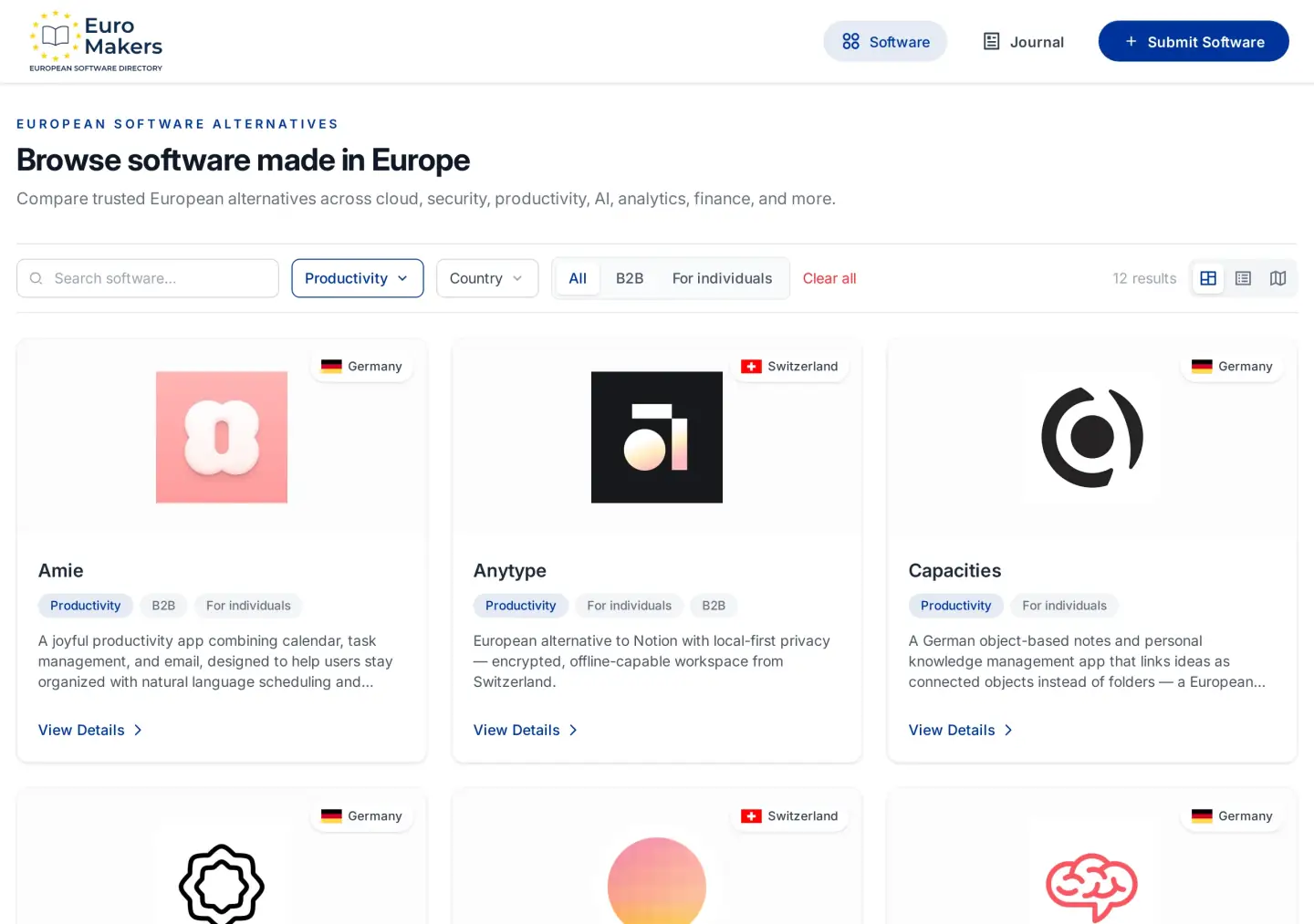
Not every Productivity listing wants to run your Tuesday hour by hour. Superlist is the calm list that gets finished. Vikunja is the self-hosted board when tasks need columns, not a timeline. Capacities and the other notes tools in our notes and knowledge guide hold thinking, not the clock. Stackfield holds project rooms for teams with client boundaries — a different seat we covered in the project rooms guide.
If you stretch a list or a wiki into a day planner, you will feel the mismatch by Thursday. Keep the seats honest, the way our desk editorial asks you to name thinking, paperwork, and rooms as siblings — then add the day seat only when the hours themselves are the problem.
A shortlist that fits the morning
- Personal timeline, local and quiet — start with Heute if you are on iOS and want tasks, routines, and events without an account or a scoreboard.
- Planning cockpit across calendars — try Morgen when AI scheduling and multi-device sync matter more than staying offline.
- Calendar + tasks + mail in one surface — open Amie when tab-hopping is the real tax.
- Lists or boards instead — stay with Superlist or Vikunja; do not force them into a timeline job.
Honest limits
Heute's strength — local-only storage, no account — is also a boundary. There is no cloud sync to pull the same day across a laptop and a borrowed phone. Morgen and Amie sync and integrate more widely; they also ask you to trust a hosted planning layer. Platform reach differs too: Heute is iOS-first, while Morgen and Amie cover more desktops and phones. None of that is a flaw if it matches your morning. It is a mismatch if you ignore it.
And none of these tools replaces encrypted mail or a private calendar home when that is the real fear. For those jobs, return to Tuta and Proton Calendar in the email and calendar guide. Day planning sits on top of trust — it does not invent it.
Made in Europe, built for ordinary hours
Berlin timelines, Zurich cockpits, German surfaces that keep mail and meetings in one place — this shelf is not a protest vote. It is European craft applied to the most ordinary product of all: how a day feels. Made in Europe here means care in the defaults — fewer guilt scores, clearer local choices, planners that treat your attention as finite.
Browse the Productivity category, open a listing that matches the Tuesday you wrote down, and start with one planner. If a European maker is missing from the shelf, submit it. Questions about fit are welcome on contact. More practical reads live in the EuroMakers Journal.
Find your next European tool
Browse a curated directory of software made in Europe across every category your team relies on.
Explore the directory
