How to choose a European office suite for the document job you actually run
A practical guide to European office software — LibreOffice, SoftMaker Office, ONLYOFFICE, Collabora Online, and CryptPad — based on the document craft you need: desktop suites, online co-editing, self-hosted collaboration, or encrypted pads.
The EuroMakers Editorial Team
Researching European software

Office shopping rarely starts with a feature matrix. It starts with a Tuesday that fights you. A contract opens with the wrong fonts. A spreadsheet shared three ways becomes three slightly different truths. A team pad feels like a hotel lobby — open to everyone, owned by no one. The pain is not "we need another productivity suite." The pain is "we cannot finish documents in the room that matches how we work."
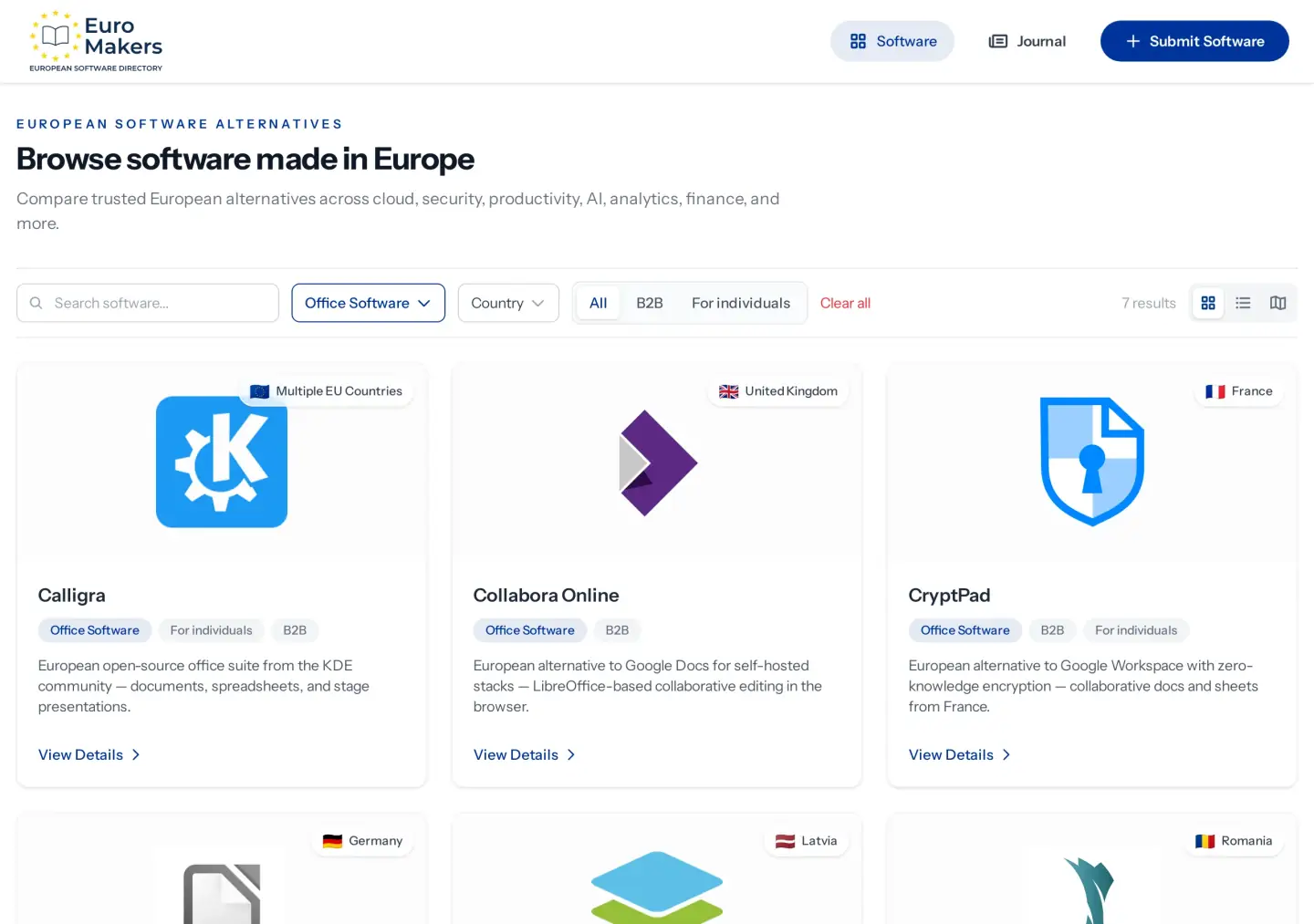
In EuroMakers, that document seat lives in the Office Software category. LibreOffice is the German open desktop house for Writer, Calc, and Impress. SoftMaker Office is the German commercial desktop suite with strong Microsoft-format habits. ONLYOFFICE is the Latvian online and self-host editor house built around OOXML co-editing. Collabora Online is the UK LibreOffice-in-the-browser craft for stacks you host yourself. CryptPad is the French zero-knowledge pad for collaborative docs that stay encrypted. They are siblings in how you write and share — not five logos fighting over the same blank page.
Write the Tuesday your files keep missing
Skip the comparison table for a minute. Write the sentence that describes this month.
- We need a full desktop suite we can install once and keep offline when the network is noisy.
- We need desktop apps that open everyday Microsoft files without a weekly format fight.
- We need browser co-editing with strong DOCX/XLSX/PPTX habits — hosted or self-hosted.
- We already run Nextcloud or a similar stack and want LibreOffice editing in the browser.
- We need collaborative pads where encryption is part of the room, not a brochure claim.
- We actually need clinic scheduling — or a light KDE desktop suite — not another shared Docs room.
If the friction is finishing documents in the right room, you want Office Software. If the friction is decks for a pitch, notes for thinking, or confidential file sync, return to Pitch, Capacities, and the encrypted files guide — different seats. Made in Europe is the quality bar either way: craft, restraint, and makers across the continent — not a rule that one product must own every paragraph.
Five European document crafts
Here is how the current listings differ when you ask where documents should live day to day — and who the tool is built to serve.
LibreOffice — open desktop craft
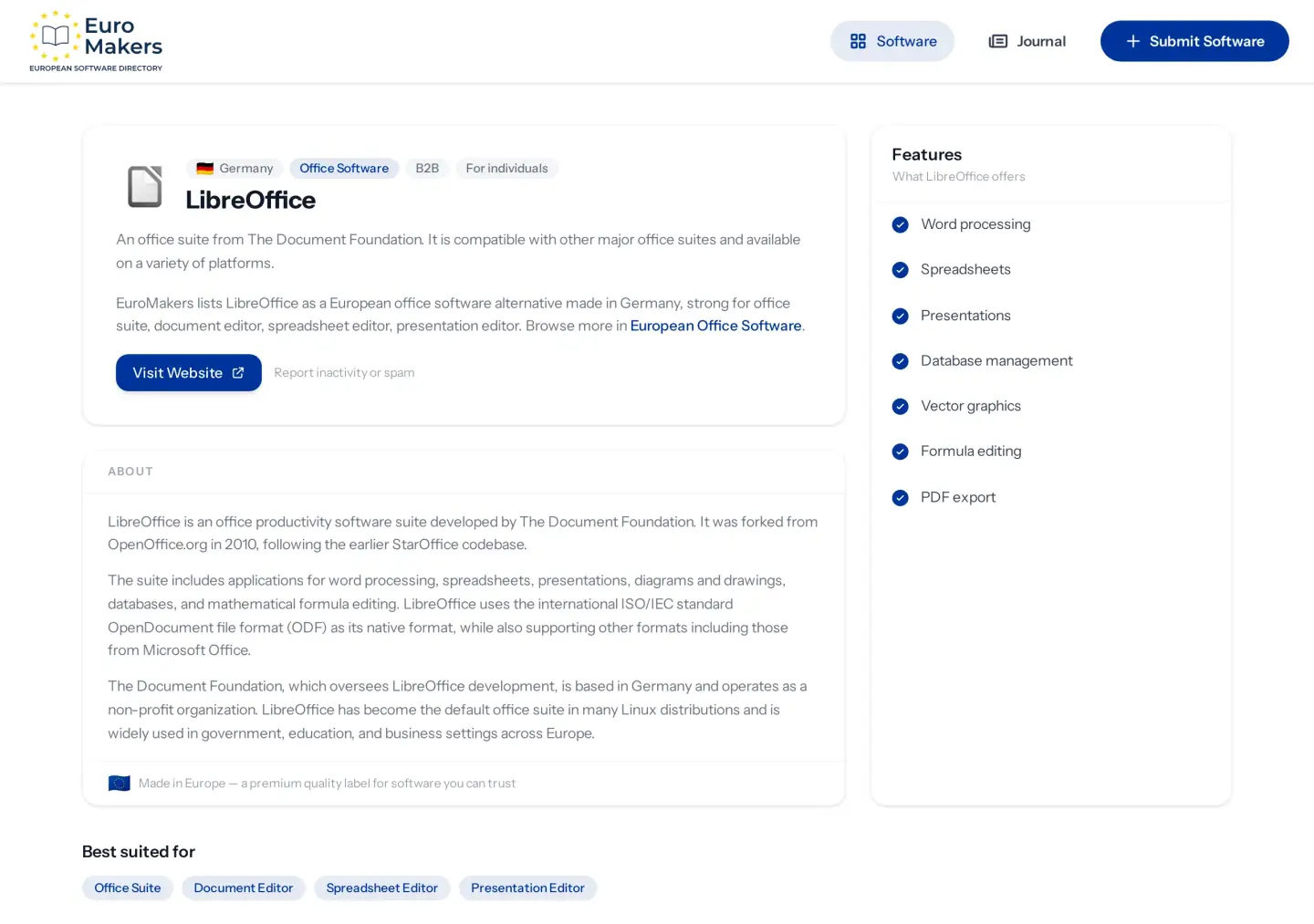
LibreOffice, from The Document Foundation in Germany, is the directory's clearest open desktop suite: word processing, spreadsheets, presentations, and more on platforms you already use. It is built for people who want a full office house they can install, update on their own schedule, and keep working when the cloud is optional — not mandatory.
Choose LibreOffice when the job is a classic desktop suite: offline-capable Writer, Calc, and Impress with OpenDocument as a first-class citizen and broad compatibility with everyday office files. It suits freelancers, public teams, schools, and anyone who wants ownership of the install. If your pain is real-time browser co-editing for a whole company hallway, look at ONLYOFFICE and Collabora Online below.
SoftMaker Office — commercial desktop craft
SoftMaker Office, from Germany, is built as a European desktop alternative to everyday Microsoft Office habits: word, spreadsheet, and presentation apps with strong DOCX/XLSX/PPTX support, desktop and mobile editions, and a FreeOffice free tier for lighter starts. It aims at people who live in Microsoft-format files and want a paid European house that treats compatibility as furniture, not as an afterthought.
Choose SoftMaker when the job is a commercial desktop suite that opens the files your clients already send. It suits small businesses, writers, and teams who bounce off format surprises more than they need a self-hosted browser stack. If you need open-source desktop ownership first, LibreOffice stays the sibling. If you need multiplayer editing in the browser, move to the online crafts below.
ONLYOFFICE — online OOXML craft
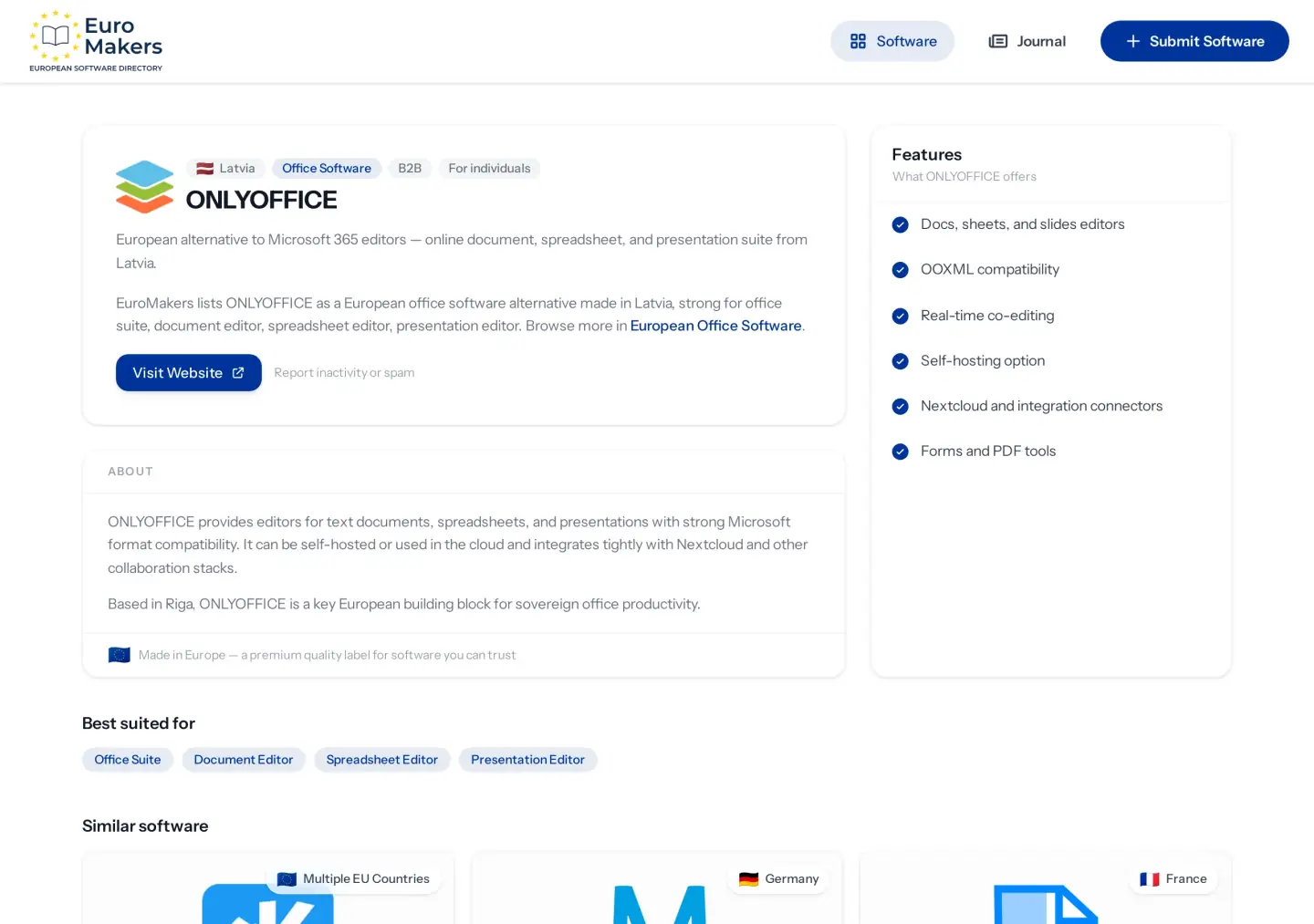
ONLYOFFICE, from Latvia, is built for docs, sheets, and slides with real-time co-editing and a clear OOXML focus — plus a self-hosting option when you want the editors under your own roof. It sits closer to the co-editing people expect from everyday Microsoft suites than to a classic offline install, while still leaving room for teams that refuse a rented cloud as the only path.
Choose ONLYOFFICE when the job is browser co-editing with Microsoft-format fidelity: comments, simultaneous editing, and files that round-trip without weekly drama. It suits distributed teams and companies that already speak DOCX every day. If your stack is LibreOffice-centred and self-hosted, Collabora Online may fit cleaner. If encryption of the pad itself is the sentence, CryptPad is the neighbour.
Collabora Online — self-hosted LibreOffice craft
Collabora Online, from the United Kingdom, brings LibreOffice editing into the browser for stacks you host yourself — including familiar Nextcloud integrations. Real-time collaboration sits on top of the LibreOffice document model, aimed at teams that already chose self-hosting for files and want editors that belong in the same house.
Choose Collabora Online when the job is LibreOffice collaboration inside a stack you operate: browser editing, co-authoring, and a path that does not hand the whole document desk to a public SaaS. It suits organisations already invested in Nextcloud or similar European cloud seats — see also the encrypted files guide and Nextcloud. If you want OOXML-first online editors with an optional self-host path, ONLYOFFICE is the sibling. If you only need a personal desktop install, stay with LibreOffice.
CryptPad — encrypted collaborative craft
CryptPad, from France, is built for zero-knowledge collaborative documents: encrypted docs and sheets, plus kanban, whiteboards, and forms in an open-source house. The point is not a louder template gallery. The point is a shared room where encryption is structural — a European answer when a rented collaborative suite feels too open for the draft.
Choose CryptPad when the job is a collaborative pad that must stay quiet: working documents, sheets, and sideboards for teams that care where plaintext lives. It suits researchers, NGOs, and small teams drafting sensitive material together. If you need heavy OOXML fidelity for client contracts, ONLYOFFICE or SoftMaker may fit better. If you need a full offline desktop suite, LibreOffice remains the clearer house.
A shortlist by how documents should live
- You want an open desktop suite you control offline → start with LibreOffice.
- You want a commercial desktop suite that opens everyday Microsoft files calmly → try SoftMaker Office.
- You want browser co-editing with strong OOXML habits — hosted or self-hosted → try ONLYOFFICE.
- You already self-host files and want LibreOffice in the browser → try Collabora Online.
- You want collaborative pads with encryption built into the room → try CryptPad.
- You need a light KDE desktop suite — or dental clinic software — not another shared Docs room → stop — that is Calligra or SmileSIM, neighbouring crafts on the same shelf.
Germany specialises in open and commercial desktop depth. Latvia specialises in OOXML online editors. The United Kingdom specialises in LibreOffice collaboration for self-hosted stacks. France specialises in encrypted collaborative pads. Romania adds clinic operations as a different job entirely. That spread is the point of a healthy European market — not five logos fighting over the same blank document.
How to trial without stranding your templates
Office swaps fail when teams announce a big migration and abandon the old suite on day two. Keep the first fortnight reversible.
- Pick one document craft: open desktop, commercial desktop, online OOXML co-editing, self-hosted LibreOffice collaboration, or encrypted pads.
- Move a small live set — one proposal series, one shared sheet, one handbook draft — not the entire template archive.
- Run only that set for ten working days: open, edit, comment, export, and reopen on the devices you actually use.
- Test the boring moments: a tracked-change review, a pivot table, a guest editor, a Nextcloud open-in-browser path, a pad shared with someone outside the team.
- Only then widen the team, set naming rules, and retire the old tool for that job.
Where Made in Europe feels premium
Made in Europe matters in office software when it shows up as craft: products shaped around how people actually finish documents, interfaces that respect a busy Tuesday, and companies that treat files as something worth keeping carefully — not as a growth funnel wearing a blank page. It is a premium quality label when the suite feels built for teams who ship work honestly.
There is also a quiet unity story here. German open and commercial desktop houses, a Latvian co-editing suite, a UK self-hosted LibreOffice craft, and a French encrypted pad can sit in the same European week without pretending to be the same product. European software is often strongest when countries specialise — and when you keep sibling seats clear instead of stacking five suites that fight for the same blank page.
Choose the office suite that matches how your documents live, not the one with the loudest template gallery.
— EuroMakers Journal
Start here
Open the Office Software category, read LibreOffice, SoftMaker Office, ONLYOFFICE, Collabora Online, and CryptPad, and run one careful fortnight with a small live set. If a light KDE suite or clinic operations is the real job, compare Calligra and SmileSIM as neighbouring crafts. Building a wider European stack? Browse the directory or keep reading the Journal. Missing a European office tool we should know about? Tell us.
Find your next European tool
Every product in the directory is checked before it goes live and shows where it’s made. Start with a tool you use today.
Explore the directory
