The European conversation shelf that stays clear
Private messages, team chat, live meetings, and mail are sibling jobs — not four copies of the same inbox. Here is how to assemble a European conversation shelf that stays calm and worth opening.
The EuroMakers Editorial Team
Researching European software

Conversation shopping often starts as irritation and ends as noise. A new messenger for family. A new team chat for work. A new meeting link for clients. Each tab promises quieter talk. By Friday the phone is louder than before.
The EuroMakers Communication category already holds European craft for those moments — encrypted messengers, Matrix team rooms, browser meetings, and mail you already met in our email and calendar guide. This essay is the shelf question. How do those European conversation seats sit together so talk stays clear — and still earns a place in an ordinary week?
Four conversations Europe already builds
A personal messenger, a team room, a meeting link, and an inbox are neighbours. They do not replace each other. When four products pretend to be the same conversation, you get unread badges you ignore, bridges you never finish, and habits that bounce by autumn.
- Private messages. Who needs a calm, encrypted chat without a phone-number leash — family, trusted peers, sensitive one-to-ones?
- Team chat. Where does shared work talk live — channels, spaces, guest rooms — without becoming a second project suite?
- Live meetings. When does the conversation need faces and a shared screen — and does the guest need to install anything?
- Mail. What still belongs in an inbox with threads, search, and deliberate replies — see Tuta, Proton Mail, and the email guide.
None of those sentences ask which European chat app is "best." They ask what talk you are hiring for. Made in Europe is the quality bar — craft, restraint, and products shaped by makers across the continent — not a rule that one vendor must own every ping.
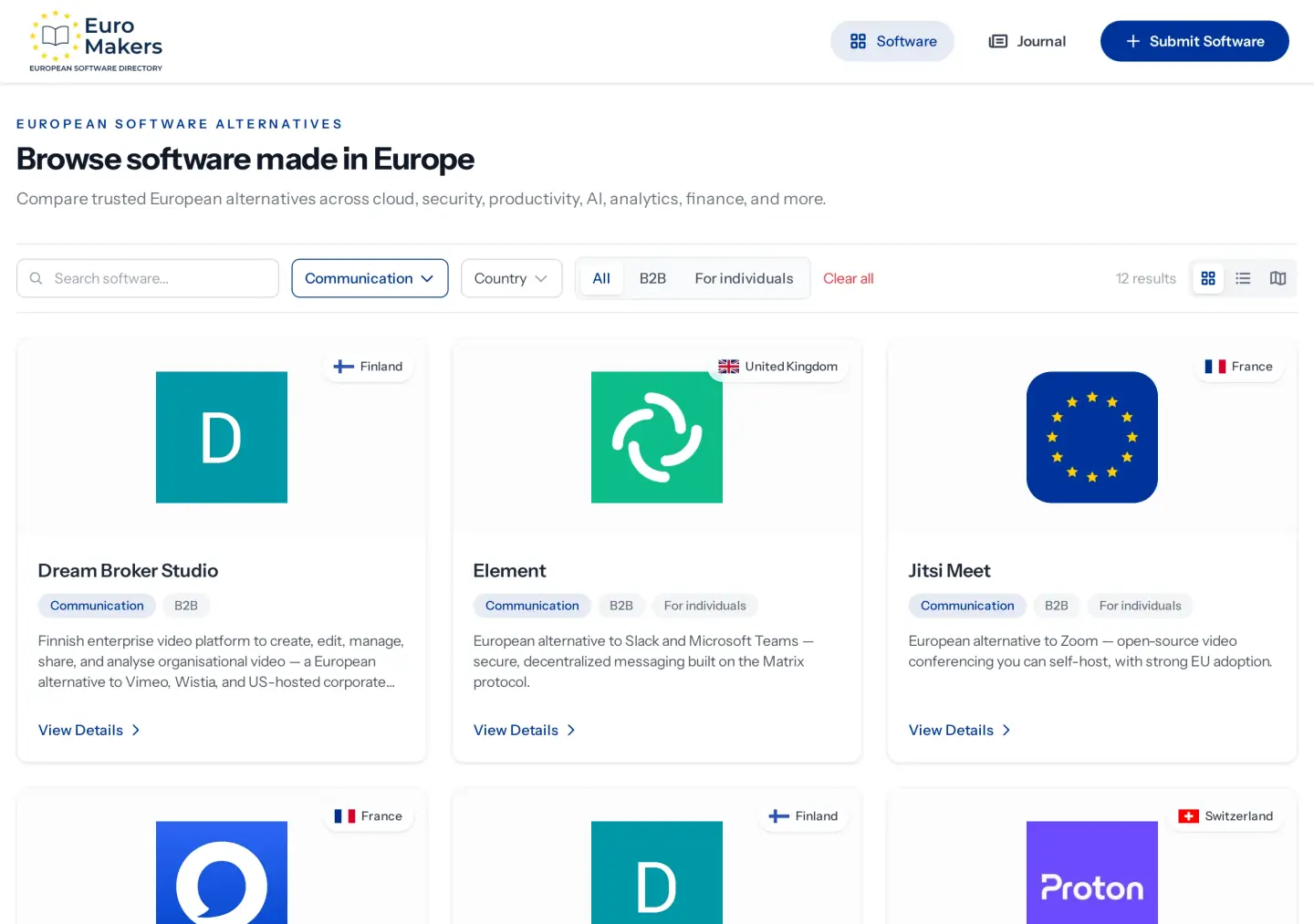
Private messages: the quiet European pocket
Threema from Switzerland and Olvid from France both refuse the phone-number leash. Threema leans on a Threema ID, Swiss hosting, and a one-time purchase model that skips ads. Olvid emphasises invitation-based trust and encryption that protects metadata, not only message bodies. Same job family — personal encrypted messaging — with different Swiss and French crafts.
Hire this seat when everyday messaging is the friction: family groups that should not feed a public graph, or work side-channels that deserve stronger encryption than the default consumer app. Skip it when the real pain is team channels or client meetings — those are different seats.
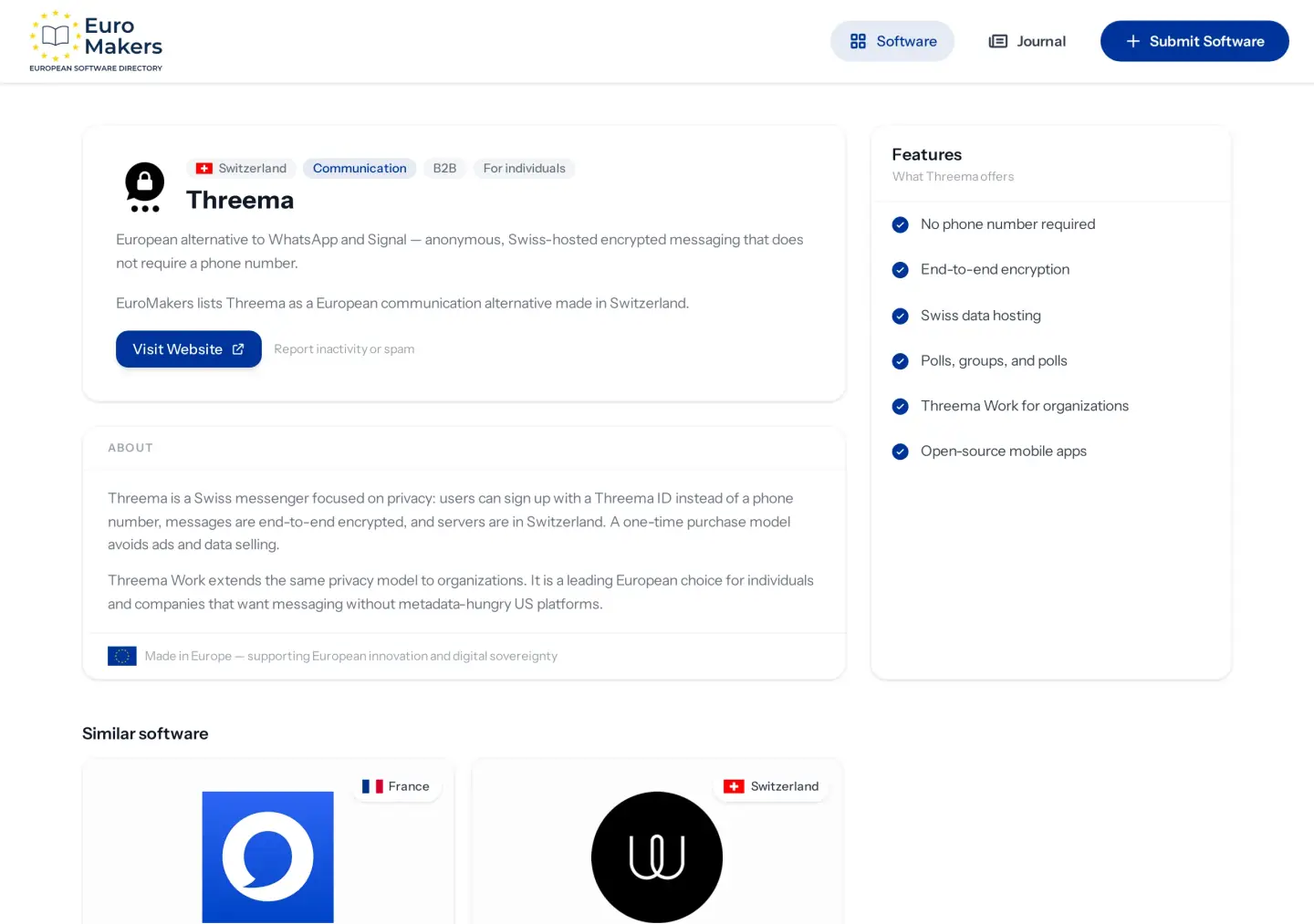
Team chat: rooms you can explain
Element from the United Kingdom builds on the open Matrix protocol — federation, optional self-hosting, bridges, and Spaces for organisation. Wire from Switzerland is the encrypted business messenger with guest rooms for external partners and company admin when the team needs a clearer house.
These are not personal messengers stretched into a default team suite. They are team conversation tools. Element shines when you want an open protocol and the option to host. Wire shines when end-to-end business chat and guest rooms are the sentence you keep repeating. Neither should swallow your project room or your notes shelf — leave delivery to Stackfield and thinking to the notes guide.
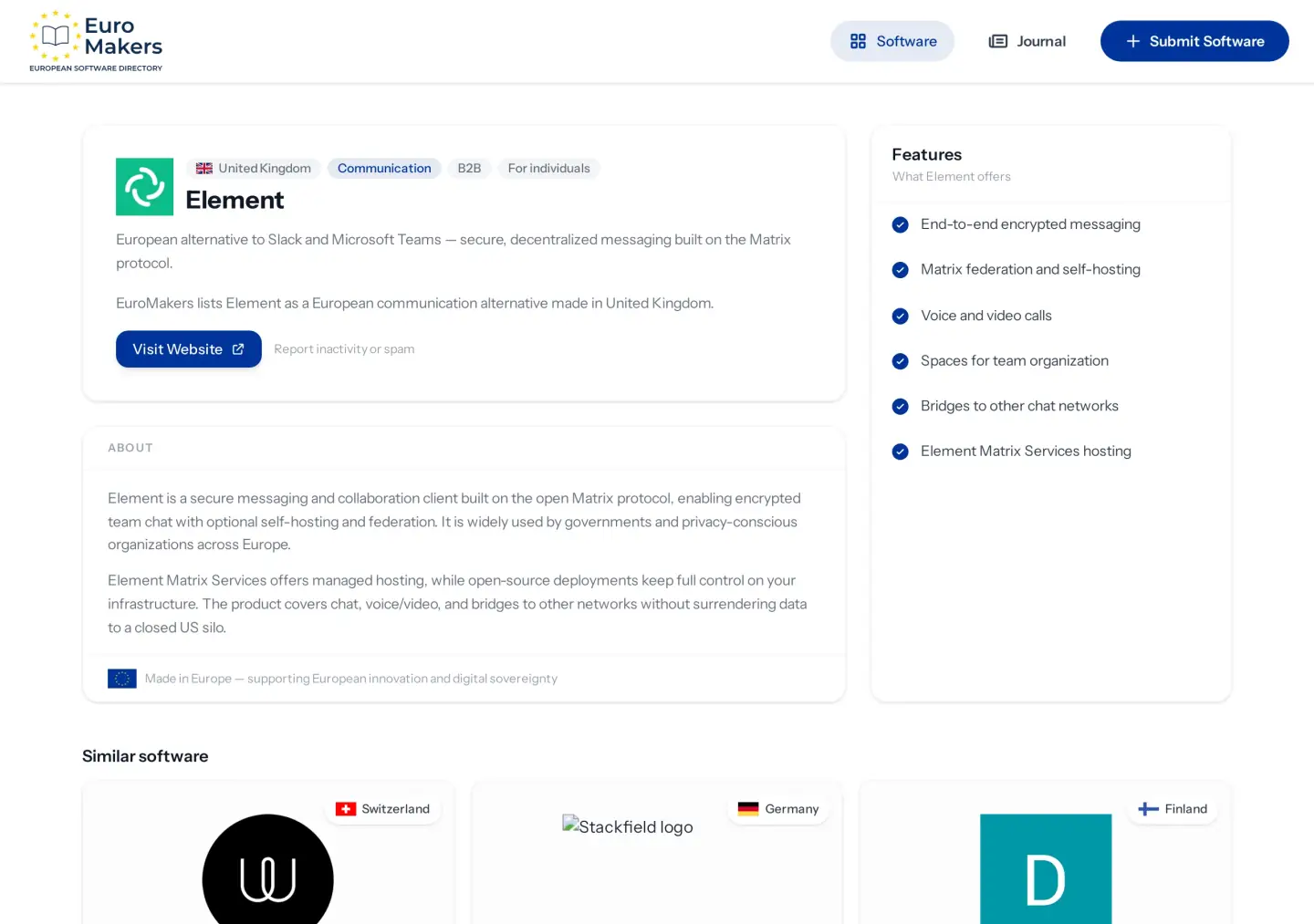
Live meetings: the face-to-face seat
Jitsi Meet from France is the open-source meeting you can self-host — browser-based, no account required for basic use, strong European adoption. Whereby from Norway is the polished browser room: share a link, skip the download, brand the experience when clients deserve a calmer door.
Hire meetings when faces and screens are the work. Do not stretch a messenger's occasional call into your only conference home if guests keep bouncing. And do not stretch a meeting product into all-day team chat — that is how meeting fatigue arrives wearing a European logo.
A clear conversation shelf is one you open for a reason — then put down when the talk is done.
When the shelf gets loud
Conversation stacks bounce for familiar reasons. Too many apps arrive at once, and they compete for the same attention.
- Two personal messengers for the same people. A household chat and a work-sensitive channel can coexist — if the jobs differ. Two personal apps for the same family group usually means unfinished migration.
- Team chat pretending to be a project room. Channels are talk. Delivery, permissions, and client paperwork belong elsewhere — see the project rooms guide.
- Meetings that become the whole day. If every quick question becomes a call, the shelf is teaching the wrong habit. Chat and mail still earn their keep.
- Mail abandoned mid-swap. Instant messaging does not retire invoices, long decisions, or anything that needs a searchable thread. Keep the inbox seat honest.
Mail already has a seat
Proton Mail and Tuta live on the Communication shelf for a reason — encrypted European email is still conversation craft. They also sit beside calendars in the email and calendar guide, and Proton can join pass and VPN as a suite house when coherence is the attention model — the point of suite or shortlist.
Treat mail as a sibling, not a leftover. If the inbox is already the sticky European swap, do not tear it out to make room for a seventh messenger. Fill the empty conversation seats first.
Edges that stay on the rim
Some listings are specialists, not everyday pocket apps. Finnish #One unifies meetings, team chat, and files when you truly want one house. German XPhone Connect is telephony-grade unified communications — presence, CRM, hotlines — not a personal messenger stretched into a phone system. Dream Broker Studio and SimpleVideo host organisational and embeddable video when the job is a library or a website player, not a live call.
Leave those on the rim until the sentence matches. A clear shelf protects attention. Extra logos wait until the friction is real.
A fair order for European swaps
If you are assembling the shelf from scratch, do not open four trials on the same Monday. Borrow the sticky-swap rule: one deliberate European swap that survives an ordinary week.
- Start with private messages if personal chat is already the loudest friction — migrate the ten people you talk to daily first.
- Add team chat once channels and guest rooms are the sentence you keep writing — not because a familiar team suite suddenly needs a European twin.
- Choose meetings when guests and screens are the real bounce — one calm European room is usually enough.
- Only then revisit mail, unified suites, or hosted video libraries if those seats are empty and already painful.
That order respects attention. Pocket first. Team rooms second. Faces third. Mail and specialists when the work demands them. Each seat gets a fair Tuesday before the next logo arrives.
Before you add another chat app
- List every app that currently claims your conversations — personal, work, meetings, and mail.
- Label each one private messages, team chat, live meetings, mail, or "noise" if you cannot name the job.
- Keep one clear hire per conversation seat. Retire duplicates that share the same ping.
- If a seat is empty and already painful, open the Communication category and shortlist two European options — not twelve.
- Trial only the noisiest empty seat for one week. Leave the rest of Europe on the shelf until this one feels boringly reliable.
"Made in Europe" on a conversation shelf means craft you can live with — fewer badges you ignore, fewer installs you force on guests, more finished talks from makers across the continent working as one premium label. Use the Journal to choose the shape of the shelf, then use the directory to fill the seats. If a conversation seat still feels thin for your hybrid, tell us.
Private messages. Team chat. Live meetings. Mail. Hire the talk. Keep the shelf clear.
Find your next European tool
Every product in the directory is reviewed by a person and shows where it’s made. Start with a tool you use today.
Explore the directory
