The European Day Beside a Clear Desk
A daily planner is not another notes app or project room. Here is how to give the morning its own European seat — so the desk stays clear and the hours stay kind.
The EuroMakers Editorial Team
Researching European software

The Journal · Made in Europe
A clear European desk can still lose the morning. Notes are tidy. Forms ship. The project room is quiet. Then eight o'clock arrives — and the hours scatter across sticky notes, three calendars, and a planning app that asks for more of you than the day itself.
The EuroMakers Journal already built the desk: thinking, paperwork, and rooms. It already sorted the morning tools: Heute, Morgen, and Amie. This essay is the hinge between them. How does a European day seat sit beside a clear desk — without becoming the clutter you just cleaned up?
The morning is not another notes app
When the desk feels unfinished, people often reach for one more productivity surface. A second brain. A bigger board. A prettier calendar that wants to own tasks, mail, and meetings forever. That impulse is how clear desks get noisy again.
The day seat is smaller and more honest. It answers one question: what do the next few hours look like — and will I open this tool tomorrow because it helps? Made in Europe, at its best, means craft that respects attention: a timeline you can see, a cockpit that schedules without extra ceremony, or one calm surface for calendar, tasks, and mail. It does not mean one vendor must own thinking, paperwork, rooms, and the clock.
- Day. Tasks, routines, and events on hours you actually have — see the daily planner guide.
- Thinking. Graphs, vaults, wikis, and lists live on the notes shelf — they are not a substitute for a morning timeline.
- Rooms. Shared delivery belongs in a project room, not inside a personal planner stretched into a team suite.
Three mornings Europe already knows
You do not need a new matrix. You need to recognise which morning you are hiring for — then leave the other two on the shelf until the friction is real.
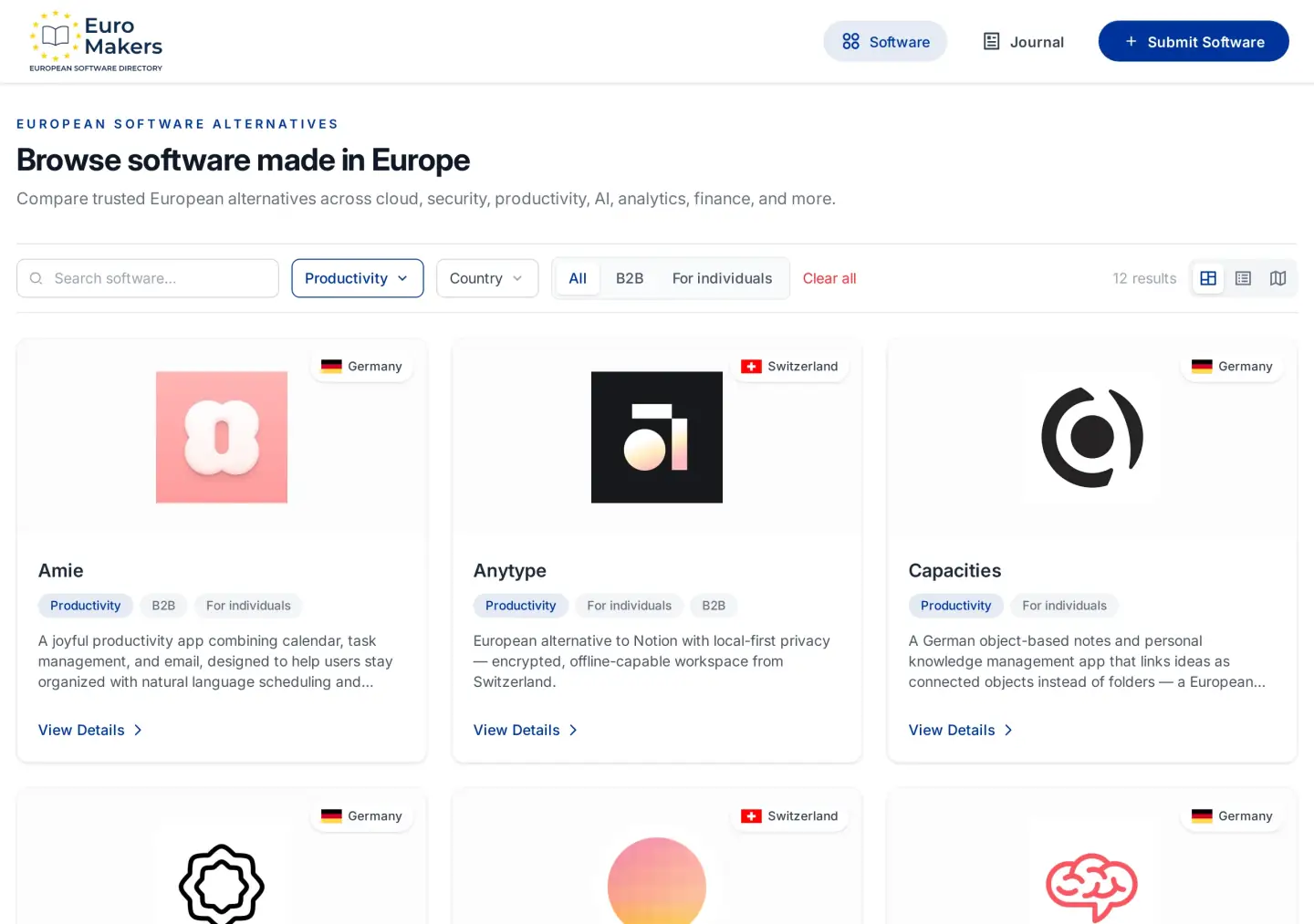
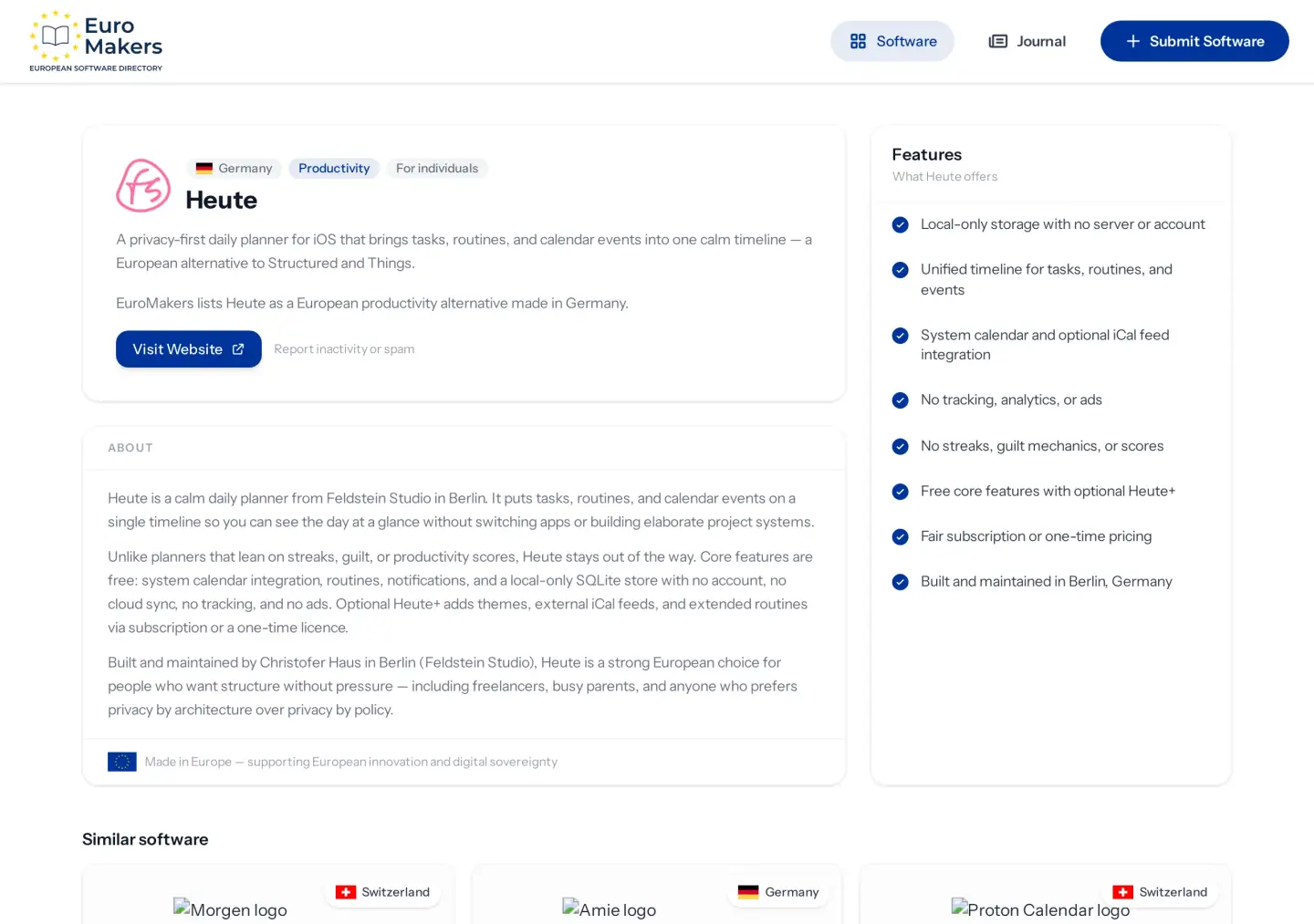
- Calm timeline. Heute from Berlin puts tasks, routines, and calendar events on one local timeline — free core features, no account, no cloud, no streaks. iOS only, by design.
- AI cockpit. Morgen from Zurich plans across calendars and task apps when the mess is too many sources, not too little structure.
- Calendar, tasks, and mail. Amie from Berlin is the joyful surface for people who want those three tabs to become one — not a second project room.
Those personalities already live beside email and calendar tools. A planner can sit next to Tuta or Proton Calendar without replacing them. Suite coherence is optional. A kind Tuesday is not.
A good morning tool earns its keep by making the next hour obvious — then getting out of the way.
When the day seat crowds the desk
Planners bounce for familiar reasons. They arrive as ambition and stay as admin. Watch for these collisions.
- A planner pretending to be a second brain. Object graphs and wikis hold thinking. A day timeline should not become the place every idea goes to die.
- A planner stretched into a project room. Personal hours are not a client delivery home. Leave chat, permissions, and meetings to Stackfield or a calm list on Superlist / Vikunja.
- Two clocks for the same Tuesday. A suite calendar plus a planning cockpit plus a local timeline can coexist — if the jobs differ. Three products fighting for the same eight o'clock usually means unfinished migration.
- A morning that scores you. Streaks and points train you to open the app for the score, not for the day. Europe's stronger planners prefer quieter craft.
Put the morning where it belongs
If the desk is already clear and the morning is still the mess, do not reopen three productivity trials. Borrow the sticky-swap rule: one deliberate European swap that survives an ordinary week.
- Write the morning sentence you keep resisting — scattered hours, too many calendars, or five tabs for calendar, tasks, and mail.
- Shortlist two European day seats that match that sentence, not seven logos from the whole Productivity shelf.
- Trial one planner for a week beside the desk you already trust. Leave notes, forms, and rooms alone unless they are the real friction.
- Only then ask whether calendar, mail, or a suite house should move closer — see suite or shortlist and the email and calendar guide.
That order protects the clear desk. The morning gets a fair hire. Thinking, paperwork, and rooms stay sibling seats — not collateral damage from a planning experiment.
Before you add another clock
- List every app you open before lunch that claims to own your hours.
- Label each one day, calendar, mail, thinking, lists, or rooms — or "noise" if you cannot name the job.
- Keep one clear hire for the morning. Retire duplicates that share the same eight o'clock.
- If the day seat is empty and already painful, open the Productivity category and shortlist two European planners — not the whole desk again.
- Trial only that morning hire for one week. Leave the rest of Europe on the shelf until this one feels boringly reliable.
"Made in Europe" on a kind morning means craft you can live with — fewer scores for opening the app, fewer tabs competing for the same hour, more finished days from makers across the continent working as one premium label. Use the Journal to place the day beside the desk, then use the directory to fill the seat. If your hybrid morning still feels thin, tell us.
Hours. Thinking. Paperwork. Rooms. Hire the morning. Keep the desk clear.
Find your next European tool
Browse a curated directory of software made in Europe across every category your team relies on.
Explore the directory
